
Guide · Vrbo
Vrbo listing photos: what to check before you upload
A friend of mine shot seven resorts on Phi Phi in three days and came home with 1,468 photos. I built the app that sorted them, and spent long enough inside that set to learn what a whole-home gallery needs. Vrbo is its own job: whole homes, big galleries, families counting beds before anything else. Every Vrbo rule below links to the page I read it on, checked 10 September 2026. Where a page wouldn't load, I've said so.
What Vrbo does with the photos you upload
Six is the floor: "You should always have at least 6 photos published for your property at all times. Having less than 6 photos for more than 30 days can result in an indefinite suspension penalty" (Add photos to your listing, 10 September 2026). Six photos of a four-bedroom house isn't a listing, it's a rumour.
After that, the order stops being yours. The same page says Vrbo "uses an AI-powered tool to choose the best hero image and image order for your listing", with a survey to opt out. Their owner-app help still says "Your first photo will be the photo travelers see in search results" (owner mobile app help, 10 September 2026). I read both the same morning. Put your strongest frame first, then check the live listing a few days later.
Captions stay yours, added per photo from the three-dot menu, as does the Room Photos tab, which ties a photo to one bedroom or bathroom. Vrbo's help doesn't claim captions help you get found, so plain room labels are enough. A family scrolling 30 photos loses track of which bathroom is which.
Photos are not a criterion for Premier Host, which is acceptance rate, cancellations, reviews and nights booked, nor for Vrbo's minimum standards (both 10 September 2026). Your photos aren't scored. They just decide whether anyone books.
The specs, and the one the app can't meet
From Vrbo photo guidelines, 10 September 2026: "At least 1024 x 683 pixels, but ideally be 3840 x 2160 pixels or higher". JPEG, PNG, WebP, AVIF or SVG. Shoot wide, not tall: "vertical orientation is acceptable, but horizontal displays best". Edits take up to 10 minutes to appear on the guest-facing site. SqwarkPic's own exports land under that 3840 x 2160 ideal, which I'll come back to.
I could find no recommended count on their help site, and no maximum. Other numbers get quoted around the web. Vrbo's own pages gave me one, 6, and it's a floor. For a three-bedroom house, 25 to 30 is nearer the mark.
What goes wrong in a season's worth of owner photos
Vrbo's rejection list reads like a description of a phone walkthrough: "Blank, duplicated, or near duplicates of other photos", "Blurry or pixelated", "Close-ups", "Black and white or sepia", and "Graphic overlays, such as watermarks with logos or borders" (same page).
Near-duplicates are the bulk of it. 1,468 frames across 30 room types averages about 49 a room, and a good share of any 49 is the same sofa from half a metre left, because that is what you do when you are moving fast and can't check the screen properly.
The next two are mine, not Vrbo's. Dark interiors: the phone meters for the bright window and the room behind it goes to mud. That's most of the rooms in that Phi Phi set, built with deep eaves to keep the sun out. And reuse. A set shot in September carries the listing until the next September, by which point a chair has been replaced and the photo is quietly wrong.
One thing I can't tell you: the guidelines also require photos to comply with Vrbo's Partner Provided Content Policy. That page returned a rate-limit error every time I tried it on 10 September 2026, so I won't paraphrase it. Read it before deciding where the line on editing sits.
Shooting a whole home in one pass
- Walk the route a guest walks: gate, door, living room, kitchen, each bedroom, each bathroom, terrace, view. Shoot in that order and half the sorting is done for you.
- Horizontal, back into a corner, phone at chest height. Corners make a room look its real size.
- A family is counting beds, hobs and where the kettle lives. Every bedroom gets a frame with the whole bed and the wardrobe in it.
- Lights on, curtains open, even at midday. Especially at midday.
- Three frames per angle, then move on. You're keeping one.
- Don't crop for the sake of it. A recent phone clears Vrbo's ideal 3840 x 2160 out of the camera, and cropping is the quickest way back under it.
Picking the keepers from 200 frames
The cull is the actual work. 1,468 photos off a friend's three-day shoot landed on my laptop, which is why I wrote a Mac app instead of doing something better with my evenings.
One photo per angle, sharpest wins ties. Every room a family will ask about gets one, bedrooms two. Anything that needs explaining in the caption is cut. Then it goes up in walkthrough order.
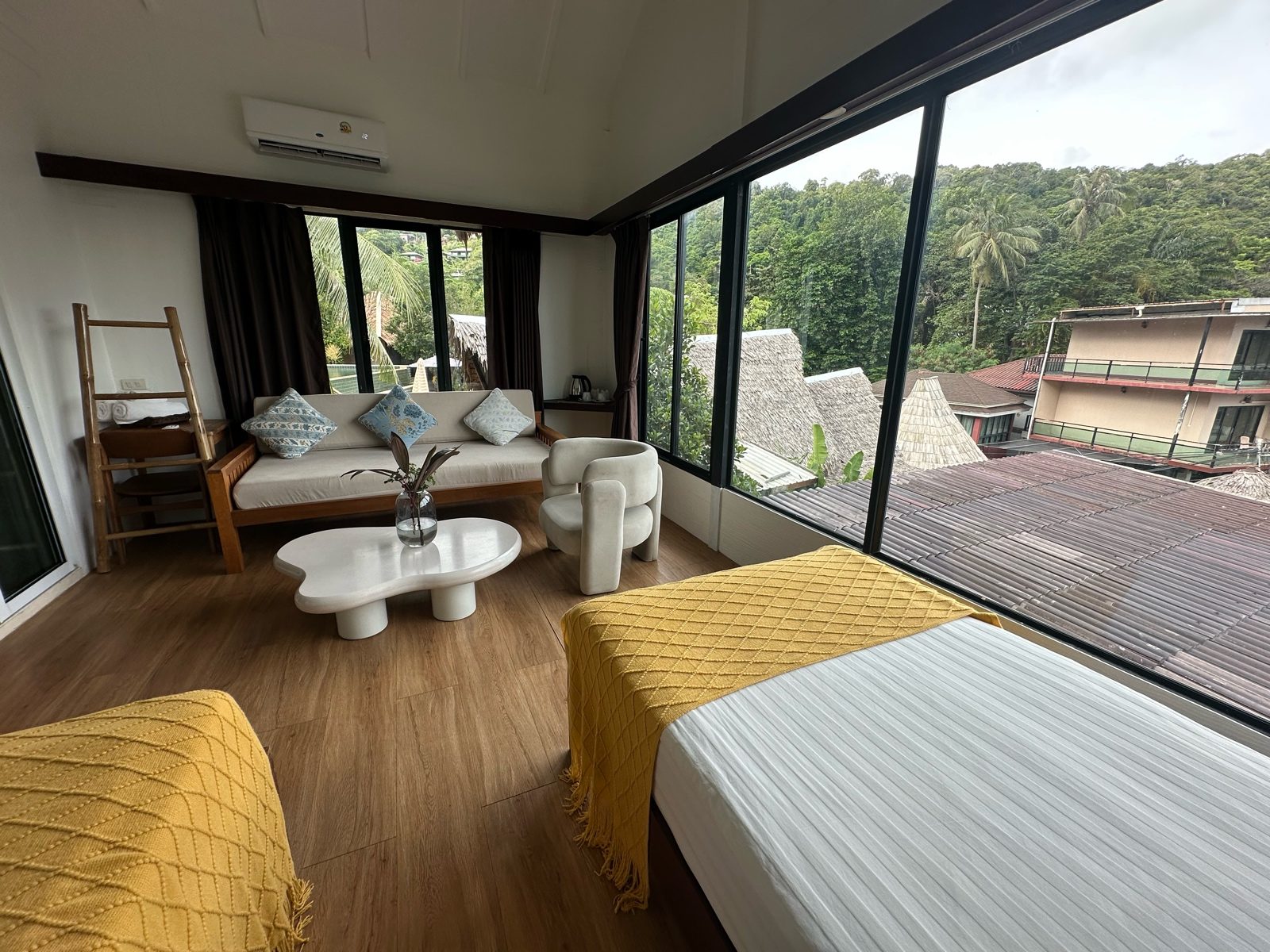
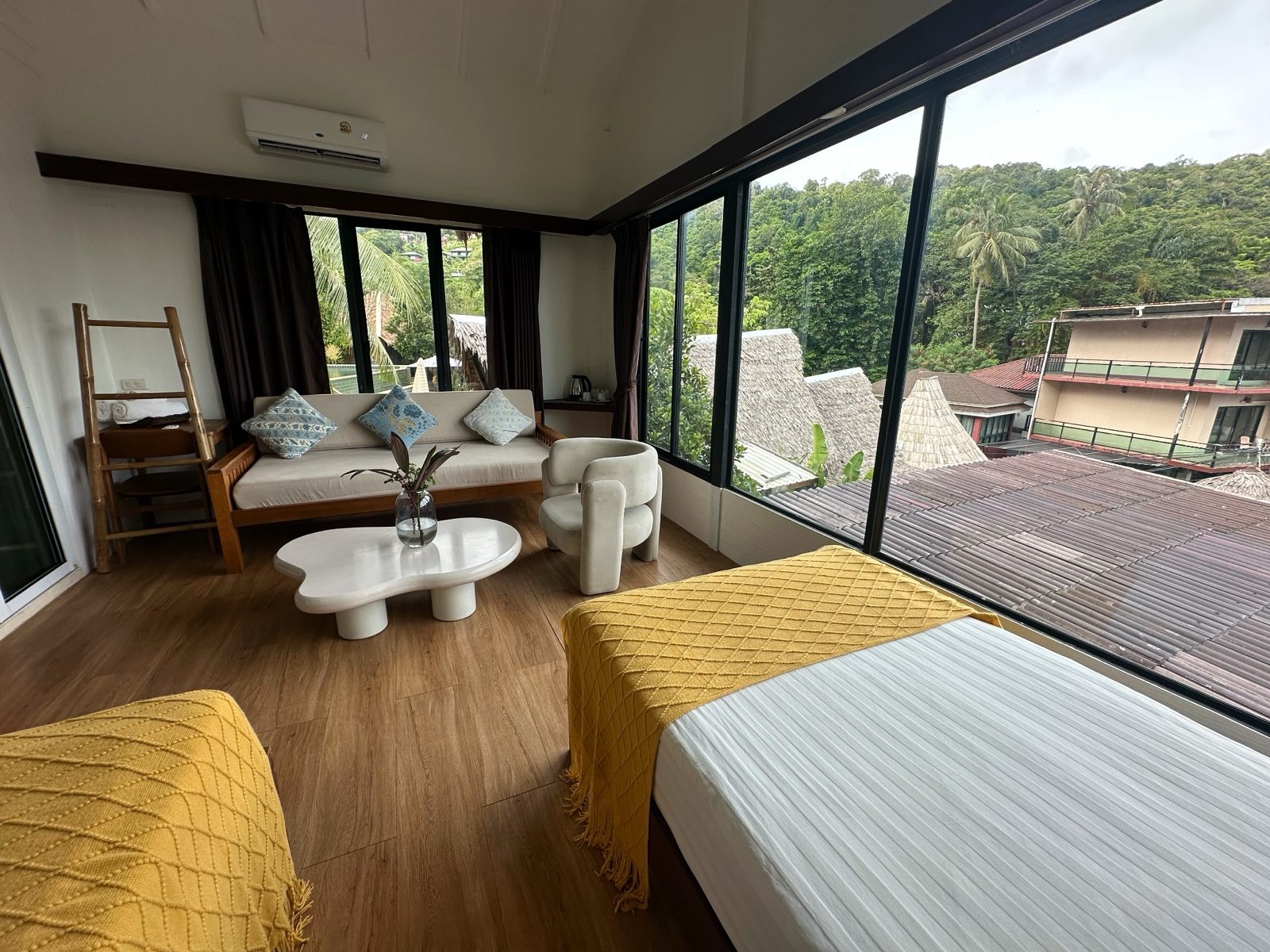
What SqwarkPic does here
This is the app I built for that cull, so weigh what follows accordingly. Drop a folder in: Sqwark Sort groups it by room and flags the near-identical frames Vrbo's rejection list is aimed at, and Sqwark Pick suggests the sharpest keeper in each group without deleting anything. The look above is Interior. Low light adds Sqwark Brighten, a small model that runs on your Mac at 0.20 strength and does very little to a photo that isn't genuinely dark. It won't upload to Vrbo, write captions or fill in the Room Photos tab, and it exports at 2048px on the long edge, past Vrbo's minimum and under their ideal, so upload the originals if you want the largest versions up there. Every export keeps the source file's GPS and EXIF, and no photo leaves the Mac.