
Guide
Your room photos keep coming out dark. Here's why.
A friend of mine shot seven resorts on Phi Phi and sent me the lot: 1,468 photos, thirty room types, and a lot of interiors that look like a cave with a hole punched in the wall. It isn't the phone being rubbish. It's a range problem, and most of the fix happens before you press the shutter.
What's actually going wrong
Your eye copes with a huge spread of brightness at once. A phone sensor gets a fraction of it, and HDR buys back a little more by merging exposures. A bedroom at midday blows through the budget anyway. The window is outdoor daylight; the corner behind the door is dark wood with one lamp on it. No exposure holds both, so the phone picks.
Meter for the window and the room goes to mud. Meter for the room and the window becomes a white rectangle, which is worse: a blown-out window reads as "no view" to anyone scrolling.
Tropical builds are the hard case. Deep eaves keep the sun off the walls, which is their whole point, and dark hardwood swallows what gets in.
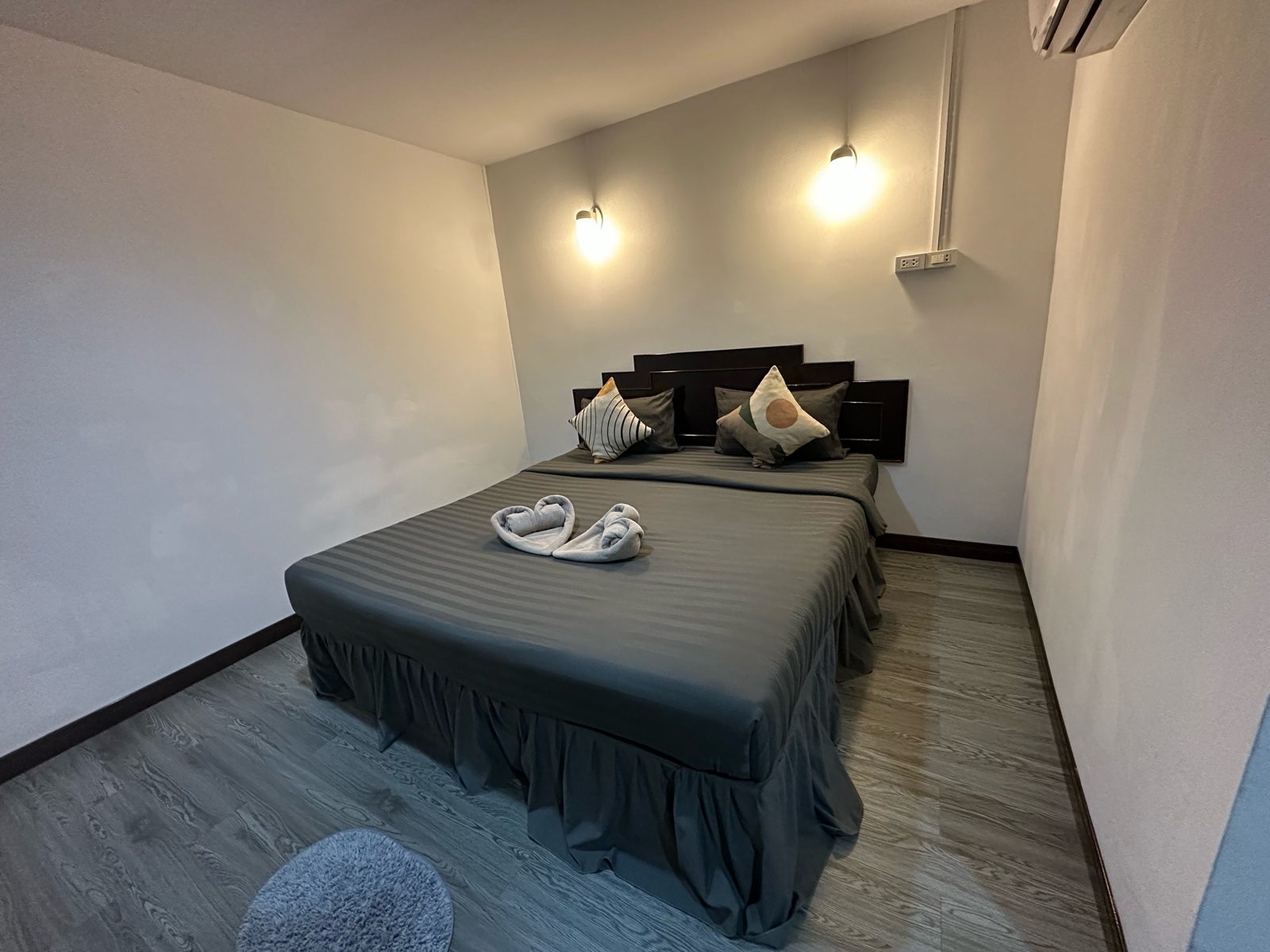
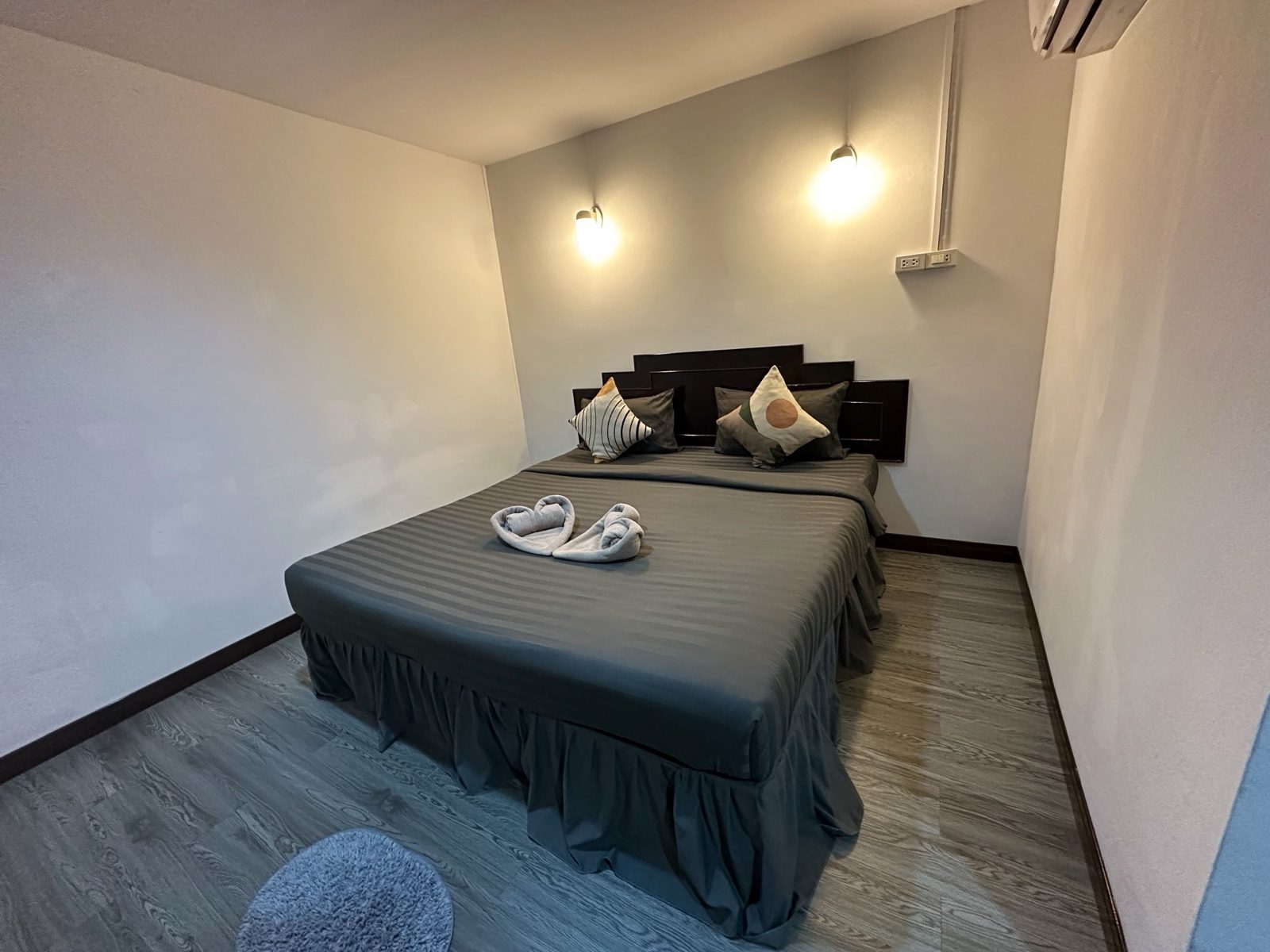
Fix it at the shutter
Five things, in order. The first two are Airbnb's own advice and matter most.
- Every light on. Bedside lamps, the one over the mirror, the strip under the counter. Airbnb's help page says "Open the blinds and turn on the lights to brighten your space". Their longer guide gives the order: "Open window blinds, shades, and curtains. If you've maxed out the natural light and your photos are still too dark, turn on the lights."
- Shoot when that room gets its light. Airbnb suggests planning indoor shots "when your rooms get the most daylight", and outdoor ones during "the 'golden hours,' the 60 minutes after sunrise and before sunset". An east-facing room wants 8am to 10am. My friend, moving through seven properties on a fixed schedule, got almost none of those windows, and you can tell which frames those are.
- Put the light behind you. Shooting into the window is the quickest way to get a dark room. Step a metre sideways and shoot along the window wall.
- If the window has to be in frame, draw the sheer curtain. It knocks the outside down a couple of stops and lets the room come up to meet it.
- Expose a touch dark. Tap the darkest part of the room, then pull exposure down. A blown file has nothing left to recover.
Then, and only then, edit
Brightness, shadows, white balance. That's the list. Airbnb's editing line is "Adjust each photo's brightness, contrast, and highlights". Stopping there is right.
Saturation is the trap. A dark photo looks flat, and the slider fixes flat in two seconds. It also turns teak orange and white tile faintly green. The guest walking in has already memorised the room from your photos. The gap between the two is what gets written into a review.
The tells of an over-brightened interior are always the same: shadows gone grey and milky instead of black, a halo round the door frame, wood the colour of a satsuma. Vrbo's photo guidelines ask for photos that are "High resolution and be sharp and well-lit photos", and reject blurry or pixelated ones. A dark file dragged up two stops comes back noisy, and noise reads as blurry.
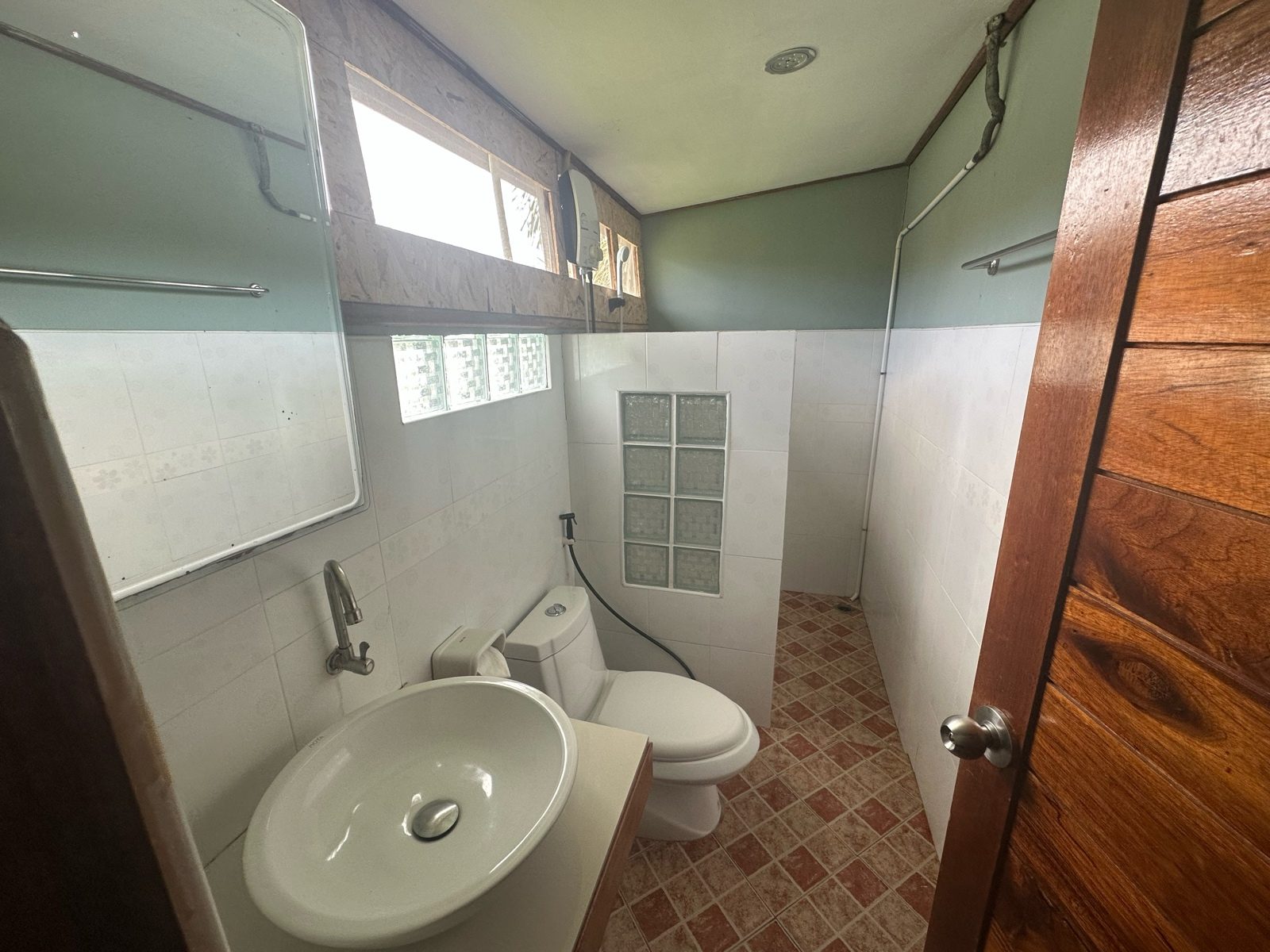
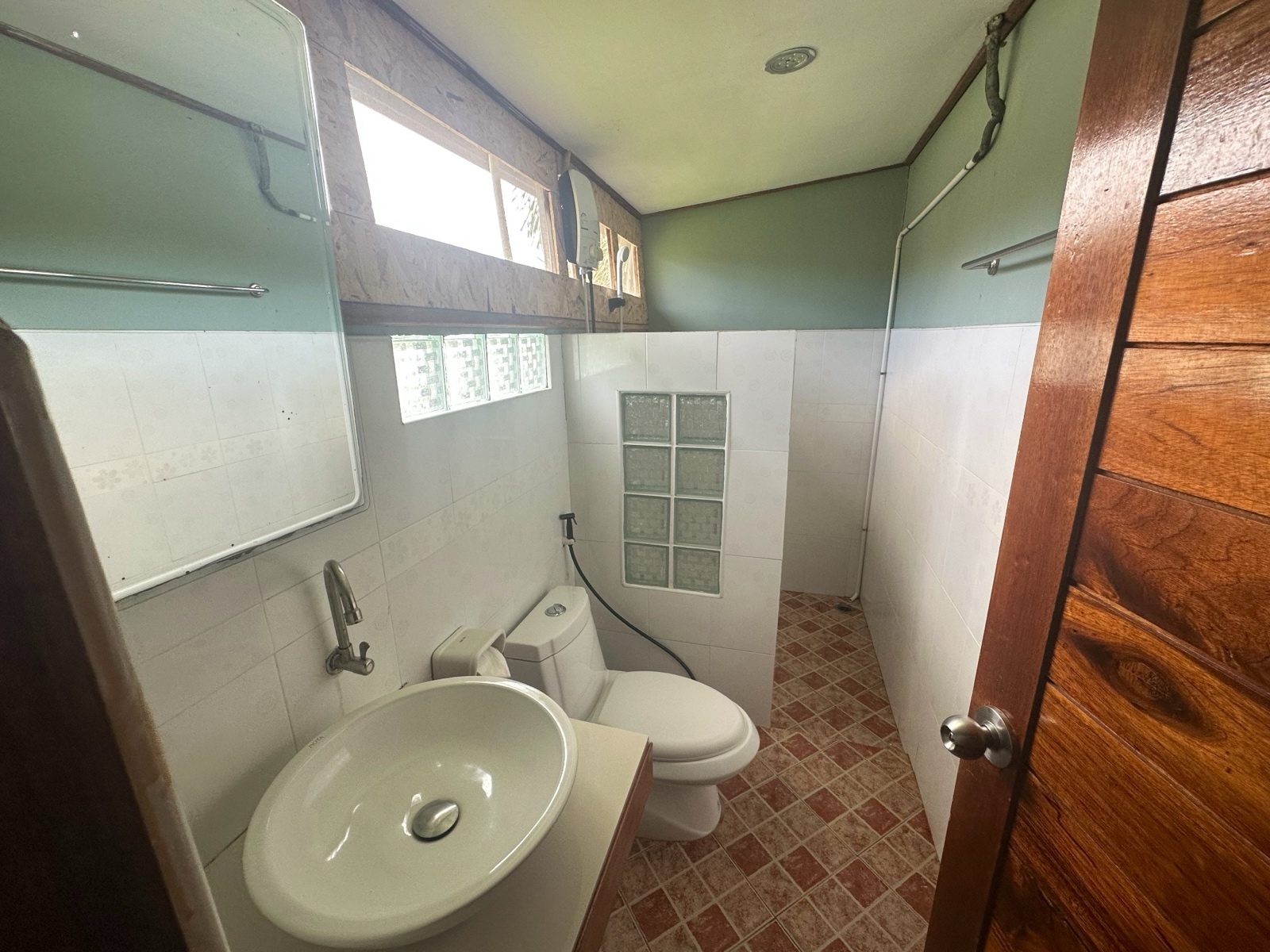
Where the honest line sits
Brightening shows what was there. The other thing invents what wasn't. The line is easier to see than people pretend. Lifting the shadow so the far corner is visible: fine, the corner exists, the camera just couldn't hold it and the window at once. Painting in daylight from a window that doesn't face that way: not fine, and not only as a matter of taste. Airbnb's ground rules for home hosts say "photos and description on the listing page should accurately represent the space provided", and they name the tooling: "We will ask hosts to remove content if AI or other digital technology has been used to edit flaws, hide damage, add amenities or attributes that are not part of a listing, or otherwise misrepresent the listing."
My own test is shorter. If a guest standing in the doorway would recognise the photo, it stays.
What SqwarkPic does here
SqwarkPic has a Brighten control for this. It runs a small low-light model on your Mac, bundled inside the app, so no photo of your property is uploaded anywhere. It's off until you switch it on, ships at 0.20 strength, and stops at 0.50, because the model was trained on genuinely dark scenes and will flatten a photo that was already fine. Every setting blends back towards your original, which is what keeps the room looking like the room. It won't rescue a black frame: with no detail in the file there's nothing to bring up, and you get a grey photo of nothing instead of a dark one.
Sources, and when I checked them
Each quote came off the platform's own page, opened 10 September 2026:
- Airbnb Help Center, Taking great photos of your listing
- Airbnb Resource Center, How to take great photos for your listing
- Airbnb Help Center, Ground rules for home hosts
- Vrbo Help, Vrbo photo guidelines
I wanted a Booking.com line on over-processed photos too. Both of their partner help pages refused to load for me, so nothing here is quoted from them. A gap beats a number I half-remember.