
Guide
AI-edited listing photos: what's allowed
The AI staging tools turned up in my feed about the same time I was sat in front of 1,468 photos from a friend's shoot on Phi Phi. Before I clicked anything I went and read what Airbnb, Vrbo and Booking.com say about edited photos. None of the three bans editing. All three ban misrepresenting. That's a far easier line to stay the right side of than I'd assumed.
What the three platforms actually say
Airbnb puts it in the Ground rules for home hosts: "the photos and description on the listing page should accurately represent the space provided", and then, in the same breath, "We will ask hosts to remove content if AI or other digital technology has been used to edit flaws, hide damage, add amenities or attributes that are not part of a listing, or otherwise misrepresent the listing." Further down the same page, repeated or severe breaches can mean listings "suspended or removed from the platform", or losing Superhost. Read 10 September 2026.
Vrbo runs on Expedia Group's Partner Provided Content Policy, which applies to "any vacation rental, hotel or activity booked on any Expedia Group brand". It's the only one that names AI editing tools, not just generated content. Prohibited: "Content that uses generative AI or AI editing tools to mislead, misrepresent, or fabricate information including by using AI-generated or AI-edited content to misrepresent a property". The separate Vrbo photo guidelines also bounce black and white or sepia shots, collages, text overlays and watermarks. Read 10 September 2026.
Booking.com files AI under spam. Their content guidelines don't allow "AI-generated content that is misleading or deceptive", "Content that's likely to mislead, deceive or confuse Booking.com users", or "Images that don't relate to the actual travel experience". Their partner page on photo requirements goes further than either of the others on ordinary editing: avoid "Over-processed photos" and "Photos with filters, strong contrast, over-saturations or excessive HDR". There's a ceiling on the honest stuff too. Read 10 September 2026; that page said it had been updated three weeks earlier.
Fine
Nobody is coming for you over exposure. Brightening a dark room. Lifting the shadows so the corners aren't black. Fixing white balance so the tiles are the colour they actually are, not the colour your phone decided at 4pm. Straightening a wonky horizon. Cropping in. None of that changes what the guest gets when they open the door.
Two caveats. Booking.com's "over-processed" line is real, and in practice it means: if it looks like a filter, it's too much. And cropping is innocent right up until you're cropping to hide something. Crop the building site out of frame and you've moved into the next section.
On the cable on the floor, since it's the thing every host asks: I'd pick the cable up and take the photo again. Ten seconds. Cloning it out almost certainly breaks nothing, because no guest has ever cancelled over a cable. But once the clone tool is open, the next thing you take out is always slightly bigger than the last.
Grey
I'd rather be honest here than tidy. Not one of the three policies mentions sky replacement. Not one defines "over-processed". What they give you instead is a test, and the test is whether a guest would arrive and feel misled.
Sky replacement fails that test more often than people expect. Not because blue sky is a lie, but because the sky you pasted in is from a different month, and usually a different country. The sky over a place in October is not the sky in that file.
Clutter is the other one. If the bins, the drying rack or next door's scaffolding will still be there in November, painting them out is a promise you can't keep. If you've genuinely cleared it since, reshoot rather than retouch. Neither gets a listing pulled, I reckon. Both get you a review that mentions the photos.
Not fine
These have policy text pointed at them.
- Virtual furniture in an empty room, undisclosed. Airbnb's wording covers it: "add amenities or attributes that are not part of a listing".
- Editing out damage. Airbnb names that one too: "hide damage".
- Adding a view that isn't out of that window. Adding a pool. Adding a beach.
- Generating a room from a prompt, or the six photos you're short of.
Expedia's response is one line: "we will take appropriate action against the partner".
Same place, same stuff, different exposure

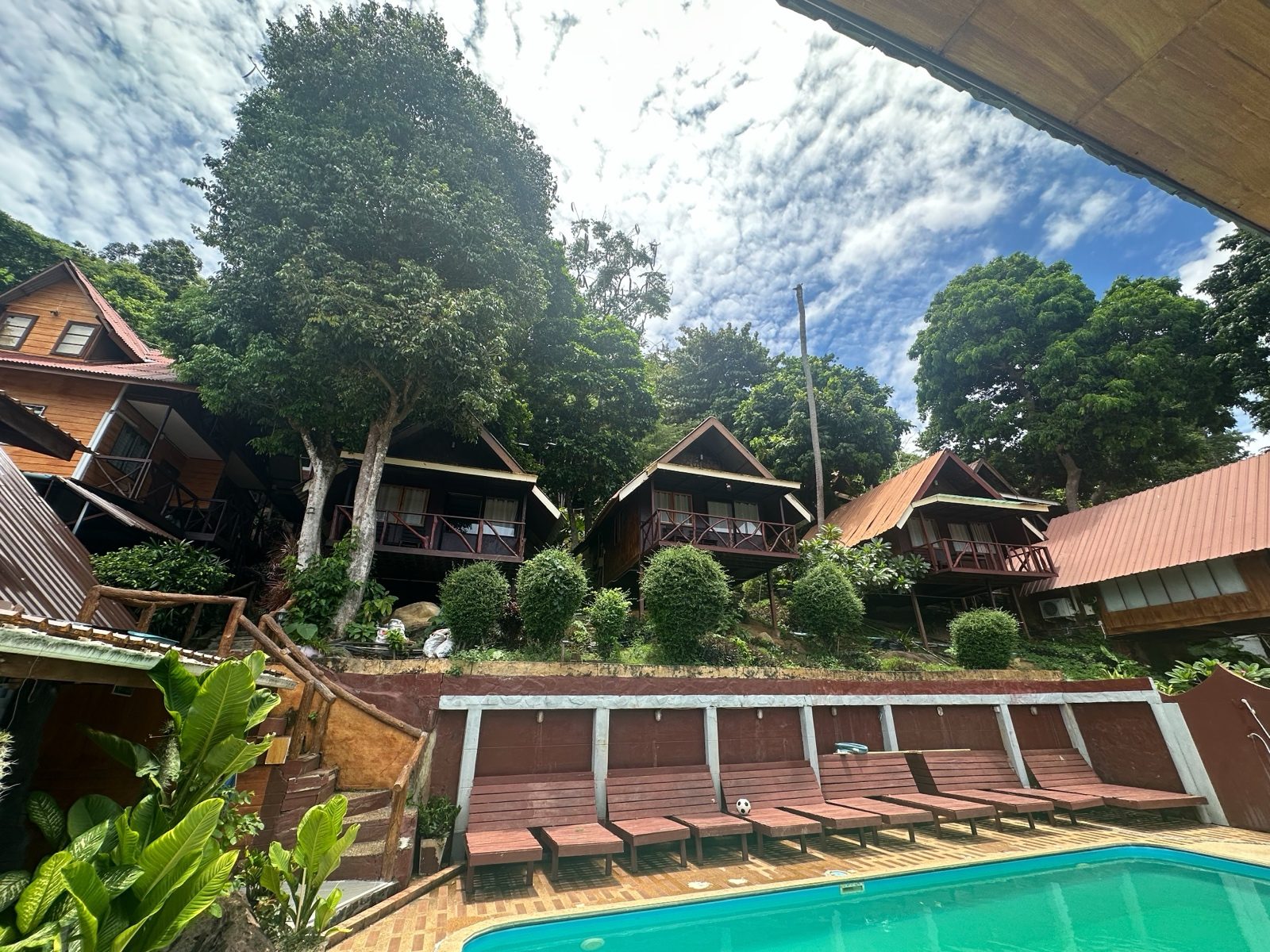
What SqwarkPic does here
This is my app, so weigh the next bit accordingly. SqwarkPic brightens, balances white, straightens, scores each shot for sharpness, groups the near-identical ones so you only pick one, and exports with the EXIF and GPS carried over. Its sky control raises the exposure of the sky already in your photo: no second image, no model inventing pixels. It can't add furniture, remove damage, invent a view or generate a room, and I'm not going to add any of that. It can't save you from yourself either. Push the sliders far enough and you'll land on Booking.com's over-processed rule under your own steam.
Pages I read, 10 September 2026
- Airbnb, Ground rules for home hosts
- Expedia Group / Vrbo, Partner Provided Content Policy
- Vrbo, Vrbo photo guidelines
- Booking.com, Content guidelines
- Booking.com for Partners, Understanding photo requirements for your property
Platforms move and rewrite these pages without telling anyone. If you're reading this well past that date, check the links yourself before trusting a quote.