
Guide · Booking.com
Booking.com scores your photos. Here's the checklist.
I built SqwarkPic after a friend came back from Phi Phi with 1,468 photos of seven resorts. Booking.com is the platform that tells you, in numbers, what a finished photo set looks like. Ten photos minimum. Four per room or unit. One of the bathroom. Landscape only. Then it scores the result and shows you the score. So this is a checklist, not advice.
The score is a completeness check
Booking.com puts a property page score under the Property tab in your extranet. Their help page calls it a checklist for the content guests find useful when deciding to book, and says a 100% score gets up to 18% more bookings than incomplete content.
Homes and apartment-style properties can also earn a quality rating, the yellow tiles beside your name in search results. Booking lists five things that feed it, and one is "the number and quality of your photos". The property page score, it says, is an essential part of that rating. To qualify you need every unit open and bookable, no star rating set, and a cleanliness score of 6.0 or higher if you already have reviews.
What neither number tells you is which of your photos is the weak one. They count filled slots.
The per-room checklist
Lifted from Booking's photo requirements article, as it read on 10 September 2026:
- At least 10 photos of the property overall.
- At least four photos of every room or unit you sell, from several angles.
- At least one photo of the bathroom and toilet.
- Exterior shots showing the entrance, and the facade in relation to the street.
- Common facilities guests can get to: pools, kitchens, living areas, reception, parking.
- Aparthotels: a minimum of 24 photos, covering every apartment type and the rooms in each unit.
- Landscape only. Booking asks for horizontal images and says they look best on the platform.
The per-room number is the one that catches people out. Four room types is sixteen frames before anyone has pointed a camera at the pool or the front of the building. The Phi Phi set behind the photos on this site covers thirty room types, which is 120 frames before the grounds. The ten-photo minimum stops being the number that matters.
Booking also asks that a room gallery only shows facilities found in that room type. The pool goes in the main gallery, not the bedroom's.
Most listings get the main photo by accident
Booking calls it the preferred main photo, and it's a specific slot, not whatever you uploaded first. In the extranet you drag a photo into the "Preferred main photo" spot. The rest of the gallery order can be handed to a Smart ordering toggle, which Booking says uses machine learning to order your photos for you.
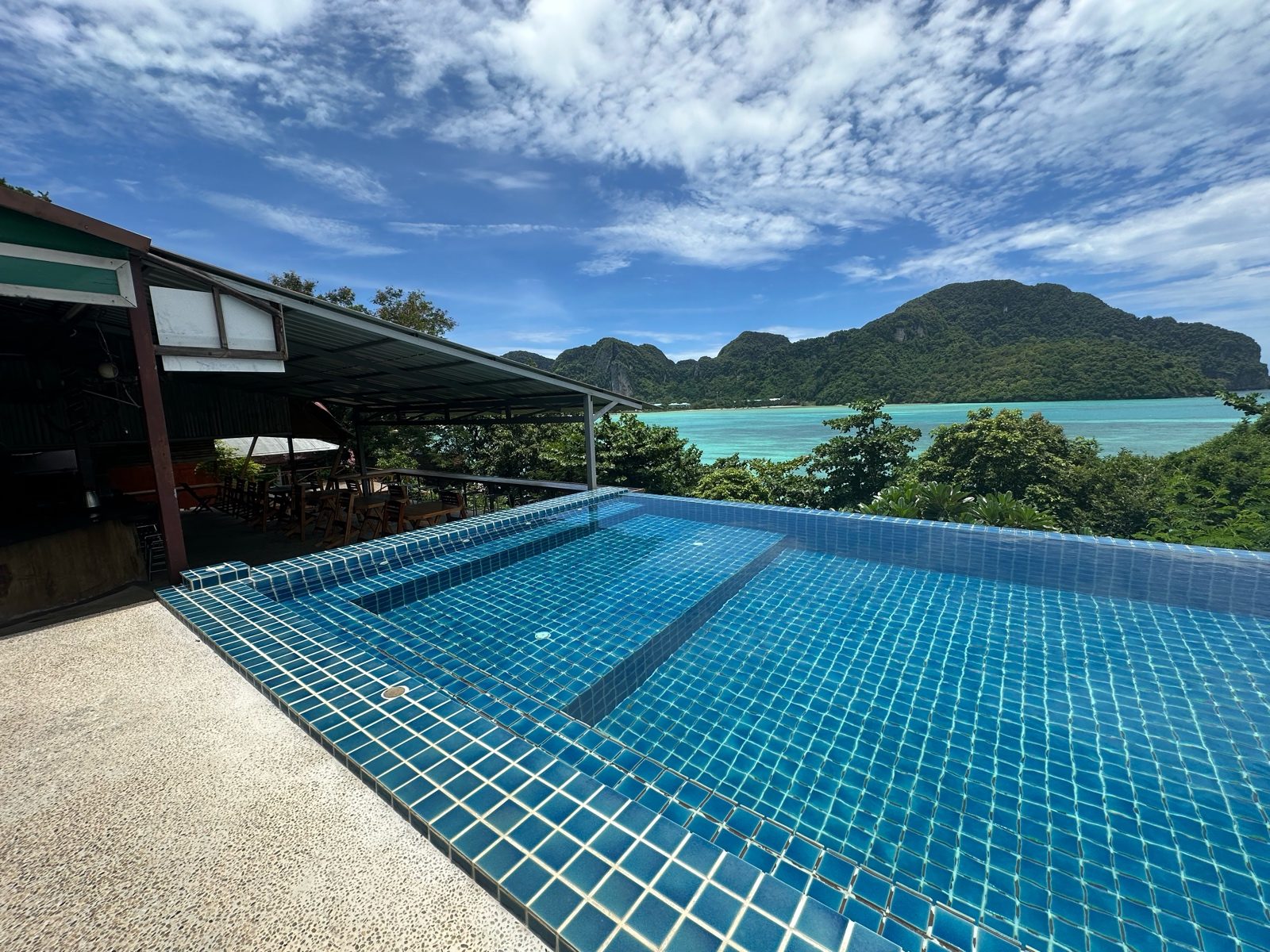
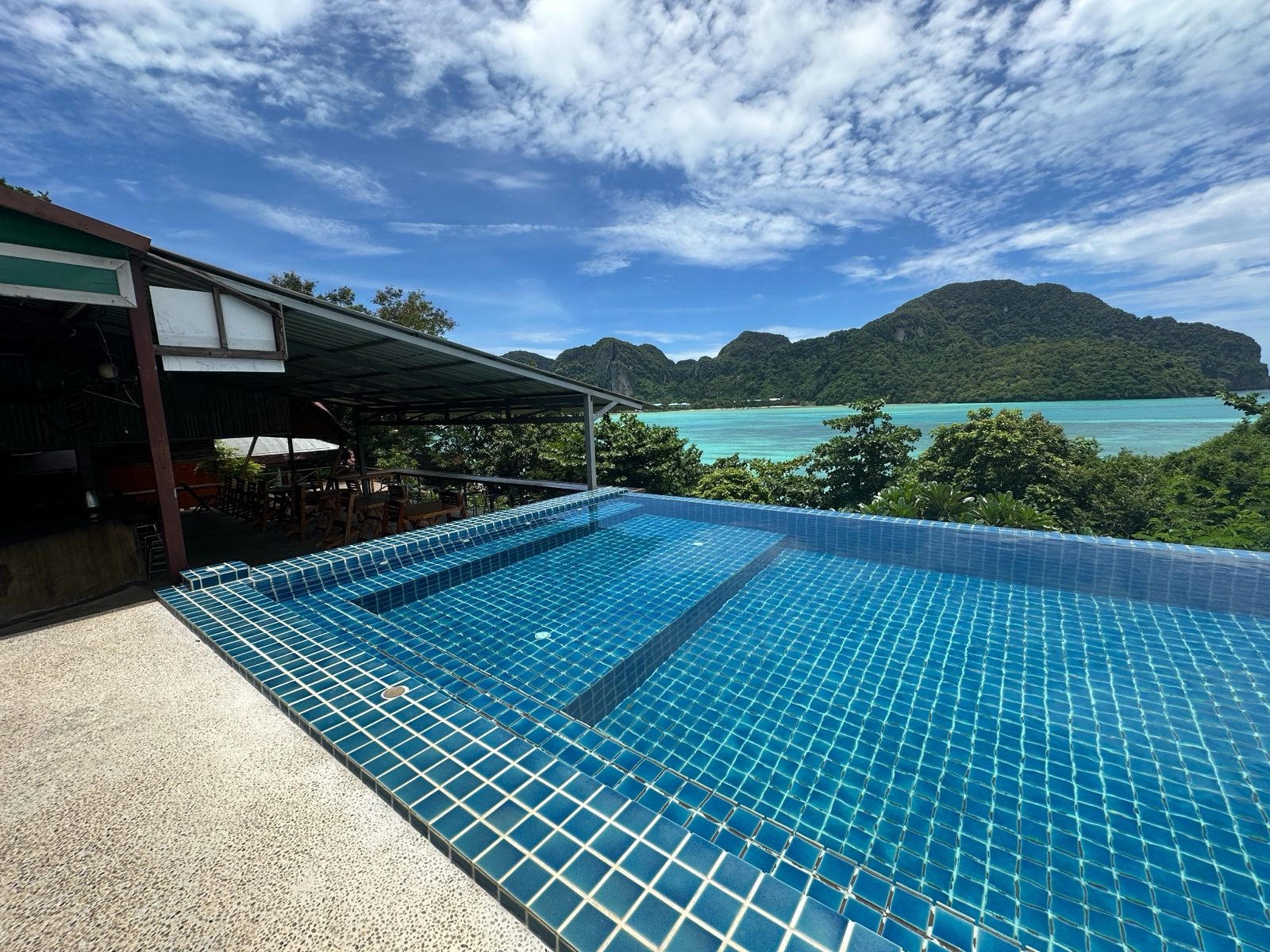
So the running order sorts itself out, and the one photo you actually choose is the one nobody revisits. Which is how a listing ends up fronted by a flat, hazy frame of the pool for longer than anyone would like to admit. Photo changes take up to 48 hours to appear, which is useful to know before you refresh eleven times.
The same pool, twice
Capture, then fix
The capture rules are dull and specific, which is the good kind. Shoot from a height of 100 to 160 cm, from room corners, for depth. Curtains open, lamps on, beds freshly made, no laundry and no cables in shot. Bathrooms: lights on, mirrors clean, shower curtains open, toilet lids closed. No ID cards or bills in shot, and nothing where a person is the main subject.
Then the fixing, where Booking is stricter than you'd expect. Avoid over-processed photos, and photos with filters, strong contrast, over-saturation or excessive HDR. Also black-and-white, skewed or stretched images, collages, watermarks and extreme wide-angle shots. A heavy edit sits in the same list as a blurry frame.
Their own two pages disagree on file specs. The requirements article wants at least 2048 x 1080 pixels and prefers 4000 x 3000. The upload article says JPEG or BMP, ideally 2048 x 1536, and no larger than 1.3 MB. Getting a 4000 x 3000 JPEG under 1.3 MB is a fun weekend if you like that sort of thing. SqwarkPic exports at 2048 on the long edge, and you still have to watch the file size.
On fakery, Booking's content guidelines say images must be useful, informative and related to the actual travel experience. They don't allow images that don't relate to it, or content likely to mislead, deceive or confuse, and that section names AI-generated content that's misleading or deceptive. Nothing there stops you brightening a dark room. It stops you inventing one.
What SqwarkPic does here
SqwarkPic is the Mac app I built after a friend's shoot left me with 1,468 photos and no evening. You drop a folder on it. It lifts shadows, corrects white balance, recovers sky on the outdoor frames, sorts by sharpness, groups near-duplicates so you keep one of the eleven almost-identical bed shots, and exports at a long edge and JPEG quality you choose, with the EXIF and GPS carried across unchanged. It runs on your Mac and nothing is uploaded. What it won't do: count your photos per room type, tag them, put them in the extranet, or notice the towels are crooked. It has no idea what Booking.com wants. It makes the set you already have look like the place on a good day, and that's the only line on this checklist a batch tool can help with.
Where these numbers came from
All five fetched and read on 10 September 2026. Booking.com edits them without notice.